How can I find an item when its link is dead?
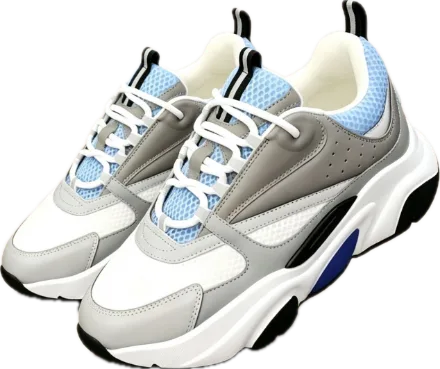
The short answer
Keep the original link and first search for the shop or product reference. Add a photo and the important specifications to distinguish a relisting from an item that only looks similar.
An inaccessible page may also result from an expired short link, a display problem or an agent link. Recover the original marketplace URL where possible before assuming the listing was deleted.
Collect useful clues
- Keep the product identifier, shop name and old URL.
- Find a clear photo and the title used in the discussion or spreadsheet.
- Record the material, measurements and variants that matter to you.
Check the result you find
Compare the seller, variant and detailed information, not just the first image. A new listing may offer something similar without being the same reference. Say whether you need to match a previously purchased item exactly or would accept an alternative, and specify which differences are acceptable.
Now, make it yours.
Continue in chat, then paste the old link and add a photo if you have one.
I want to find an item whose link no longer works. Help me look for a relisting or alternative while checking the seller and specifications.Open chatFrequently asked questions
Does the same photo mean the same product?
No. Compare the reference, variants and documented specifications.
Can every deleted product be recovered?
No. Some items are no longer offered or lack enough clues for a reliable match.